





Step 01 of 03
Create Account
Sign up with your email and set the 4-digit PIN you'll use to authorize payments.
- Email verification confirms the address is yours
- Your PIN is required before every transaction
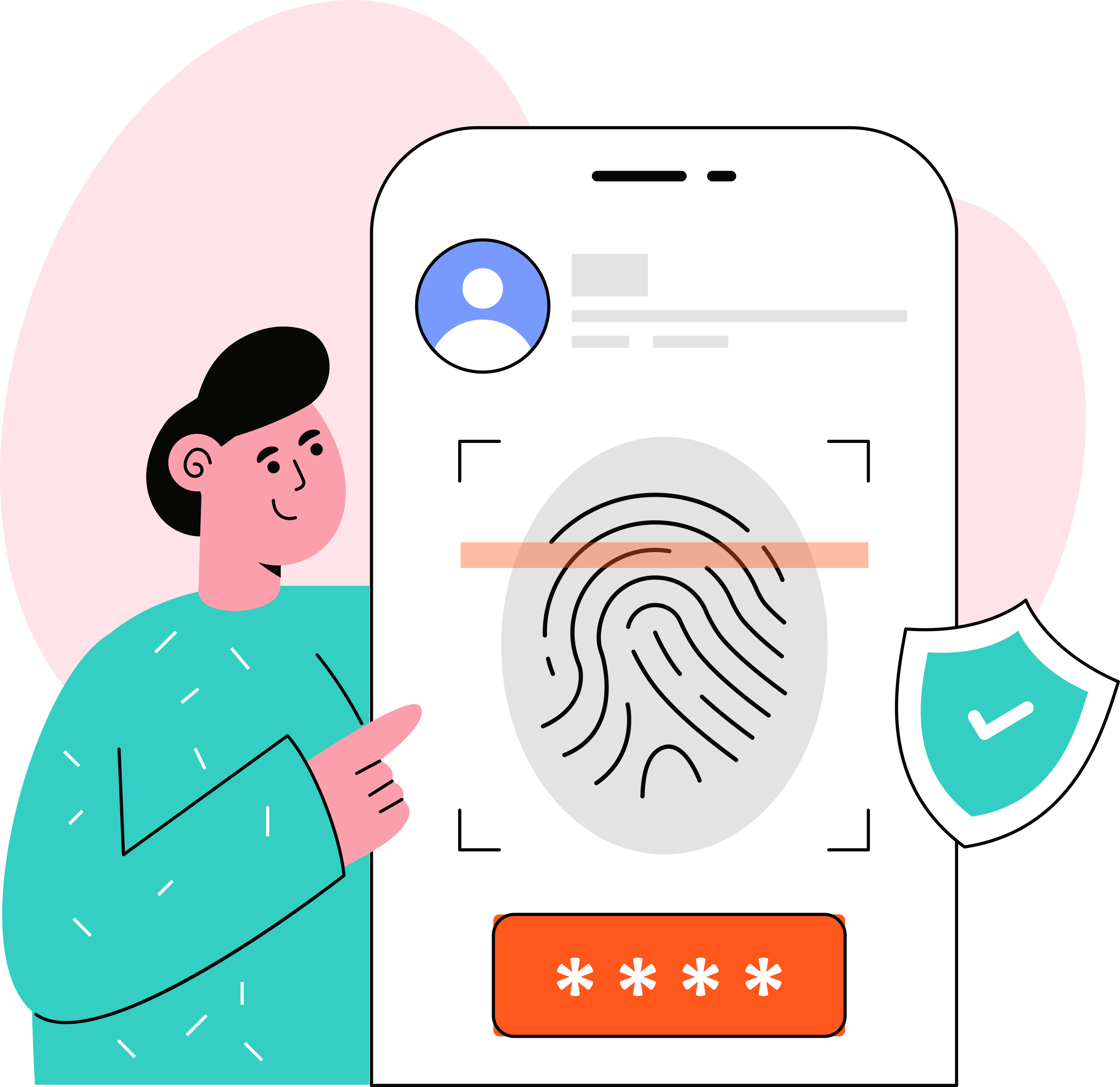


Move money, manage cards, and verify your identity from one wallet-based account — built for speed, compliance, and control.
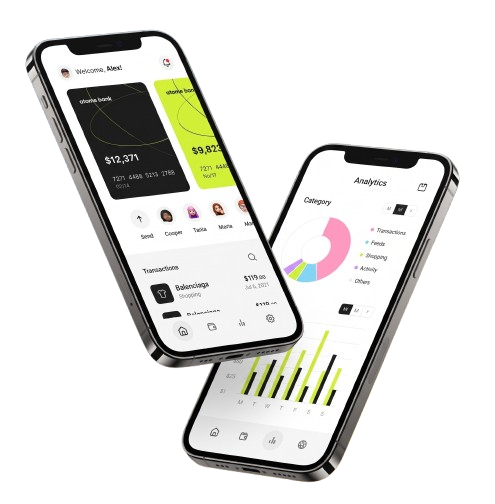
Everything you need to move, protect, and track your money — in one wallet-based account.
Three steps from sign-up to your first transfer.
Sign up with your email and set the 4-digit PIN you'll use to authorize payments.
Complete KYC once to lift your account to full limits.

Add money through any configured payment method and start moving it.

Identity checks, encryption, and audit trails — running on every account, every login, every transfer.
Identity checks completed once, verified on every account.
A second verification step on login and sensitive actions.
Account and transaction data encrypted at rest and in transit.
Every account action recorded for your own review.
Automatic throttling blocks repeated suspicious login attempts.
See and end active sessions from any device, anytime.
Identity checks, encryption, and audit trails — running on every account, every login, every transfer.
Identity checks completed once, verified on every account.
A second verification step on login and sensitive actions.
Account and transaction data encrypted at rest and in transit.
Every account action recorded for your own review.
Automatic throttling blocks repeated suspicious login attempts.
See and end active sessions from any device, anytime.
Real numbers from real accounts, and reviews from the teams who moved their money here.
“Switching to iBanking cut our reconciliation time from days to hours — transfers just work, every time.”
 Amara OkaforFinance Lead
“Getting paid by clients in three different countries used to mean three different apps. Now it's just iBanking.”
 Daniel OseiFreelance Consultant
“Virtual cards for the whole team, issued in seconds — no more waiting on plastic to ship.”
 Priya NairOperations Manager
“KYC took ten minutes and I was moving money the same day. My old bank took a week.”
 Marcus ChenSmall Business Owner
“40+ countries, one balance to watch. Payroll finally stopped being a spreadsheet problem.”
 Sofia ReyesRemote Team Lead
“Switching to iBanking cut our reconciliation time from days to hours — transfers just work, every time.”
Amara OkaforFinance Lead“Getting paid by clients in three different countries used to mean three different apps. Now it's just iBanking.”
Daniel OseiFreelance Consultant“Virtual cards for the whole team, issued in seconds — no more waiting on plastic to ship.”
Priya NairOperations Manager“KYC took ten minutes and I was moving money the same day. My old bank took a week.”
Marcus ChenSmall Business Owner“40+ countries, one balance to watch. Payroll finally stopped being a spreadsheet problem.”
Sofia ReyesRemote Team Lead“Instant transfers mean I've stopped chasing settlement times. Cash flow just works now.”
Tomiwa AdebayoE-commerce Founder“Session controls and 2FA gave our compliance team the audit trail they'd been asking for.”
Lena KowalskiFinance Director“Every transaction logged, every session visible — the first wallet that's made security legible.”
Ben OkoroProduct Manager“We moved 200 contractor payments in one afternoon. iBanking didn't blink.”
Hana KimuraGrowth Lead“One dashboard for every currency we bill in. Our books have never closed this fast.”
Grace MensahHead of Finance“Instant transfers mean I've stopped chasing settlement times. Cash flow just works now.”
Tomiwa AdebayoE-commerce Founder“Session controls and 2FA gave our compliance team the audit trail they'd been asking for.”
Lena KowalskiFinance Director“Every transaction logged, every session visible — the first wallet that's made security legible.”
Ben OkoroProduct Manager“We moved 200 contractor payments in one afternoon. iBanking didn't blink.”
Hana KimuraGrowth Lead“One dashboard for every currency we bill in. Our books have never closed this fast.”
Grace MensahHead of FinanceTake your wallet with you — download iBanking and manage your money from anywhere.
Manage your wallet, transfers, and cards on the go — available for iOS and Android.


Scan to try our app
Answers to what people ask before they sign up.
Transfers between iBanking accounts land instantly. External bank transfers settle within the same business day.
Yes. Card data is tokenized through our card-issuing partner and never stored on iBanking servers, in line with PCI DSS requirements.
Most identity checks complete within a few minutes. Manual review cases can take up to one business day.
Your wallet balance and transfers support the currencies enabled for your account region. More are added as we expand.
Yes — iBanking is available for both iOS and Android.
Yes. Freeze or unfreeze any virtual card from the app in one tap — no call to support needed.
Open a support ticket or live chat from inside the app, or reach us through the Contact page.